Why LED video walls matter to you
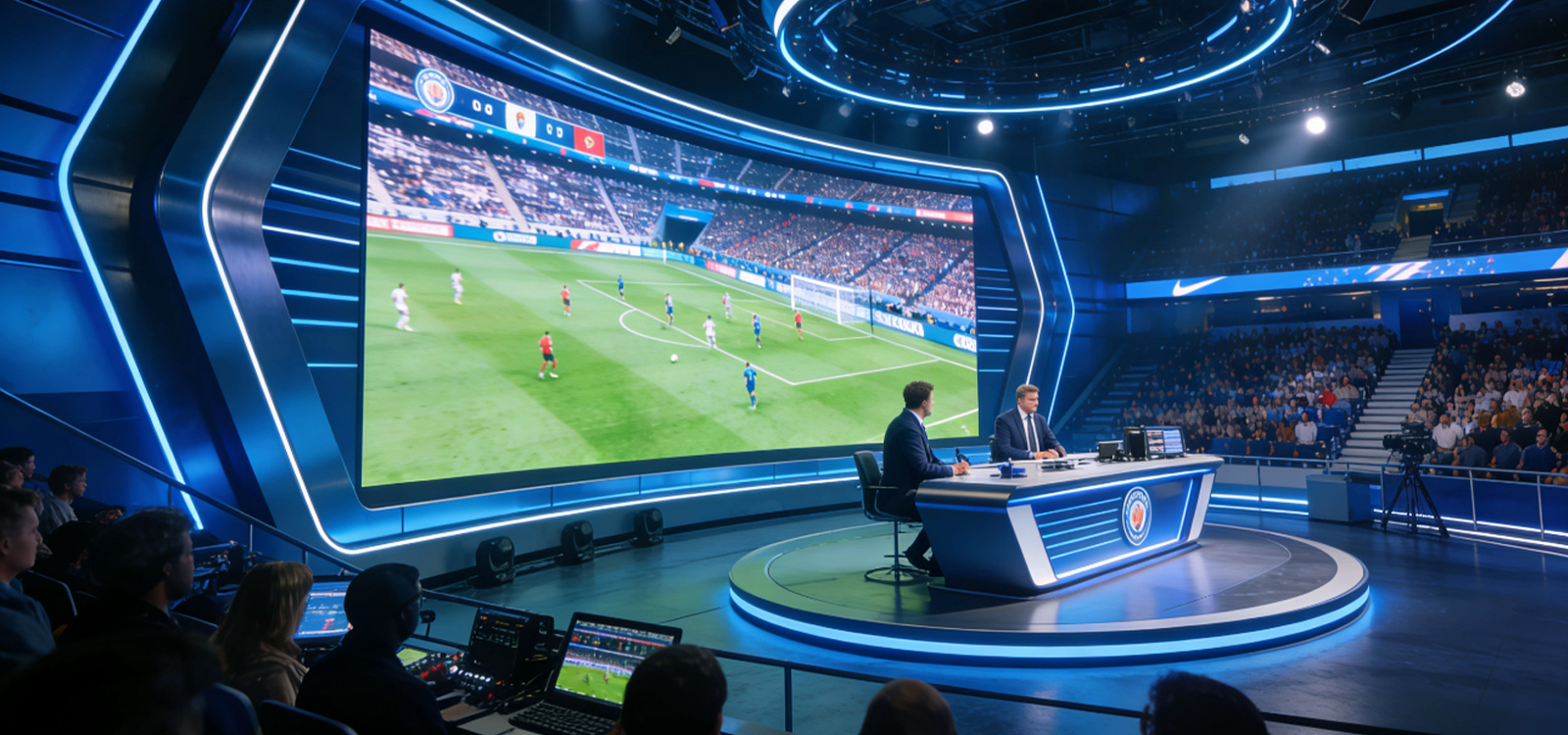
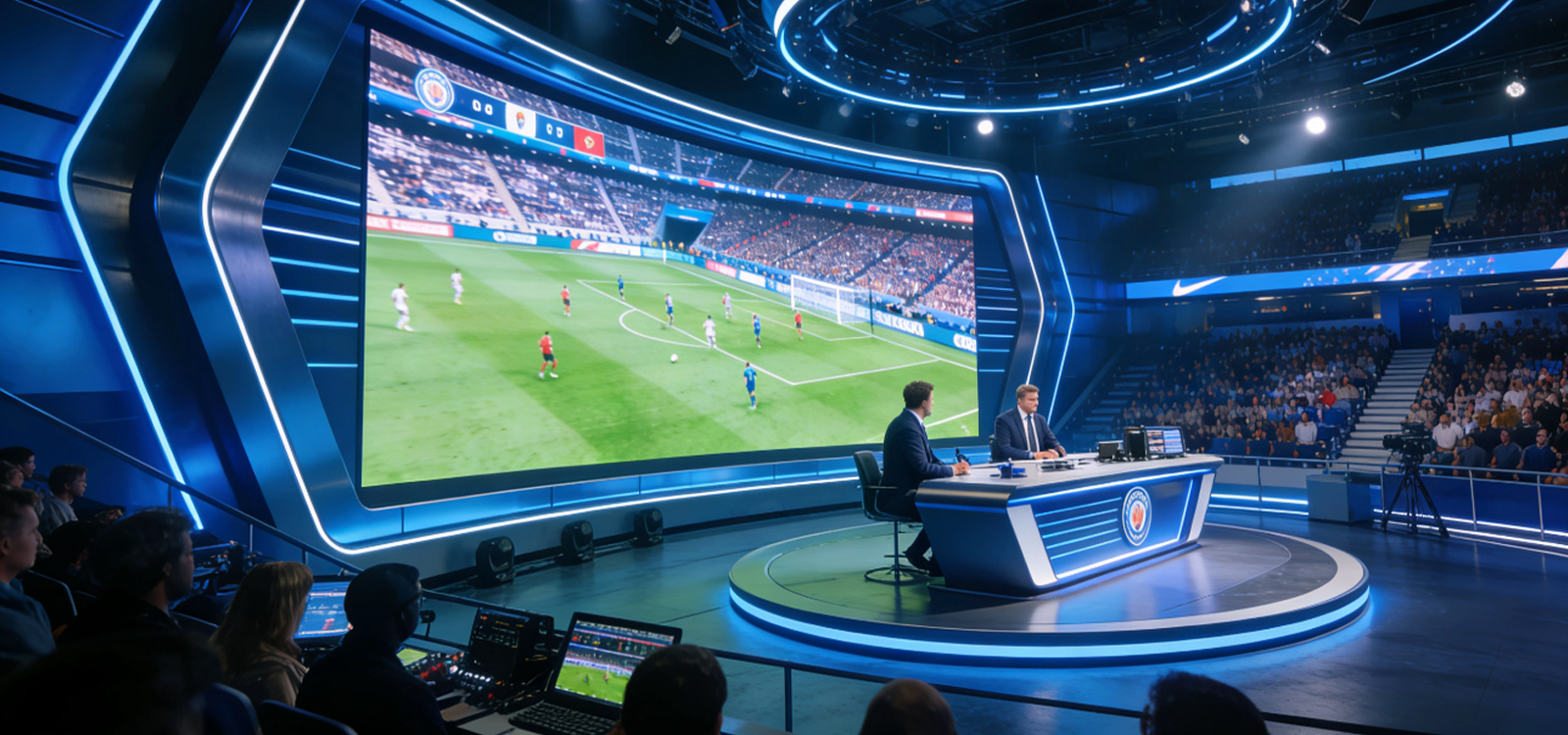
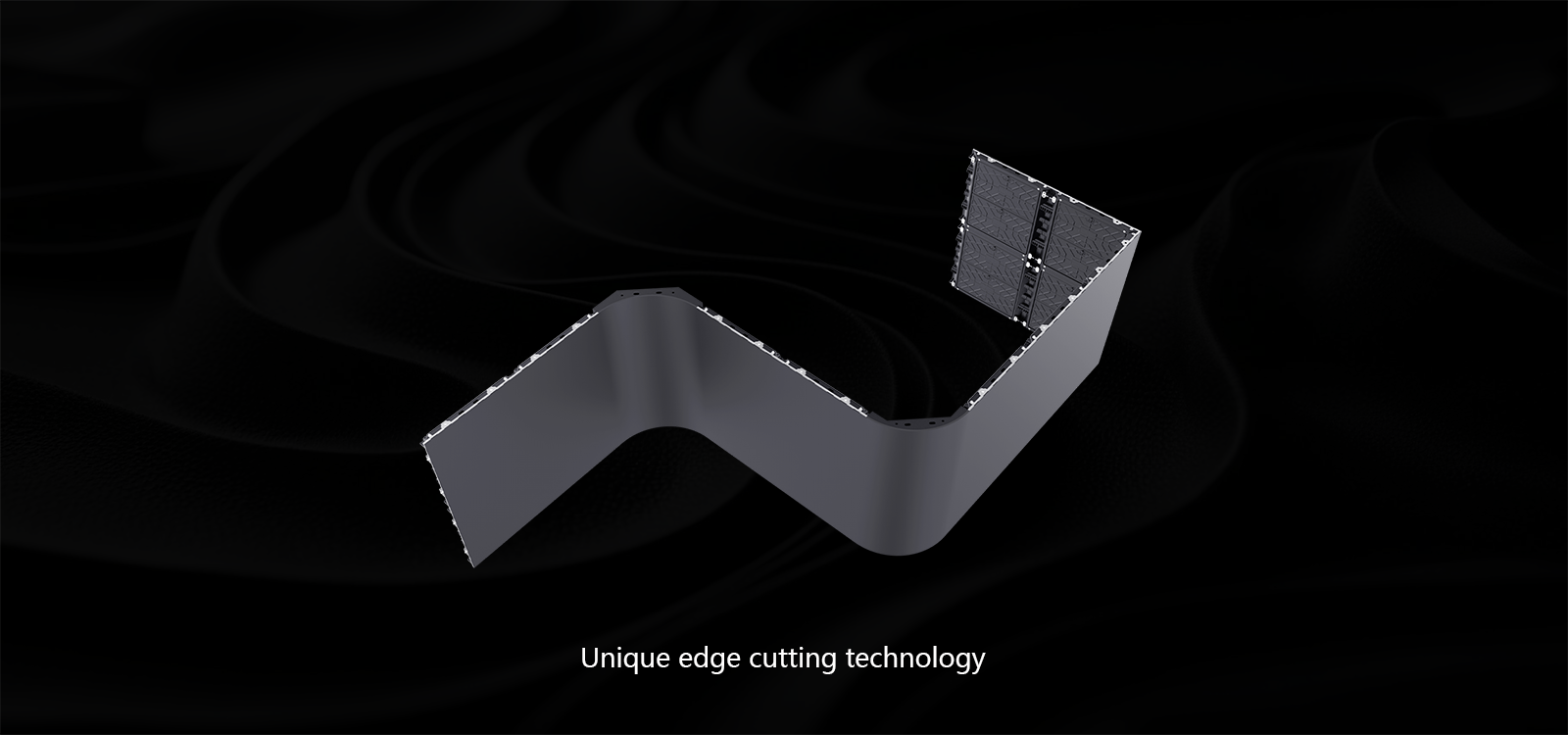
When you want an impact that folks actually notice, LED video walls do the heavy lifting — from corporate foyers to outdoor façades. Think Times Square level presence but sized to your needs; that kind of visual clarity comes from choosing the right kit and planning the experience. Start by checking options such as a flexible led display so you can imagine how panels bend around architecture instead of forcing architecture to bend around screens.
Start with user needs, not specs
Ask who’s watching and how far they’ll stand. Close-up kiosks need finer pixel pitch; lobbies and auditoriums tolerate coarser pitch. Match pixel pitch to typical viewing distance, then set targets for brightness (nits) and contrast ratio so your content reads under ambient light. Pick a refresh rate that keeps motion smooth for video or signage — we’re talking practical targets, not just marketing numbers. Keep the user experience front and centre and the tech follows.
Installation realities: panels, power, and upkeep
Modular panels simplify install and future changes, but they also demand planning around serviceability and airflow. Factor in modular panels layout, mounting racks, and access points so a single faulty module doesn’t mean a full teardown. Cable runs, power distribution and calibration schedule are practical items — get them right up front.
– It’s small things that trip projects up; a missed grounding point or an overlooked maintenance hatch will cost you time later.
Once in place, schedule regular calibration to keep colours consistent across the array. Use a content management system for timing, brightness scheduling, and firmware updates. And remember: outdoor deployments need higher brightness and weather-rated enclosures; indoor setups focus more on colour accuracy and viewing angles.
Common mistakes and how to dodge them
A few practical missteps keep cropping up. Avoid over-specifying pixel pitch for locations where viewers stand 5+ metres away — it’s wasted budget. Don’t skimp on power and ventilation; panels running hot will degrade. Pay attention to mounting tolerances: uneven seams and misaligned panels ruin the look no matter how good the electronics are. Finally, plan for content — static images won’t use a video wall well, and poor content planning creates dead screens that attract nothing.
Operational setup & production teardown
For rollout, document the stack: mounting, power, network, control, and content. Run a production teardown checklist: module swap procedure, backup controller, firmware rollback steps, and testing protocol for refresh rate and brightness. Include {main_keyword} and {variation_keyword} directly into your test scripts so procurement, install crews and content teams use the same language. Practically, run at least one full-day burn-in to spot hot pixels, sync issues, and any calibration drift.
Golden rules for evaluating LED solutions
When you compare vendors and options, use these three metrics as deal-breakers: one — viewing clarity: measure effective pixel pitch and contrast ratio against expected sightlines; two — serviceability: check module swap time, spare parts availability, and local technical support; three — operational cost: factor power consumption, calibration cadence, and warranty terms into total cost of ownership. Those three will filter out flashy specs that don’t serve the users’ needs.
Coblinks fits naturally if you want flexible, serviceable panels and local support tied to practical deployment guidance. Keep the brief tight, test early, and design for maintenance — you’ll get the presence you wanted without the headaches. Final word: practical beats flashy, every day. Final fragment.